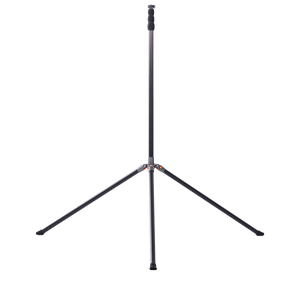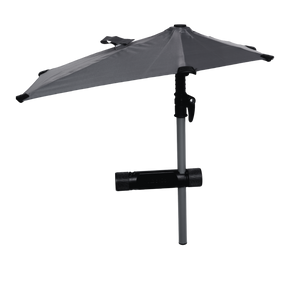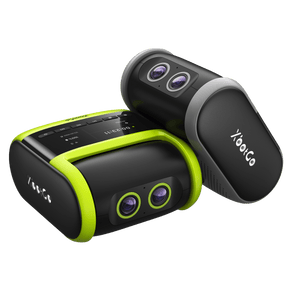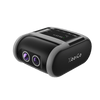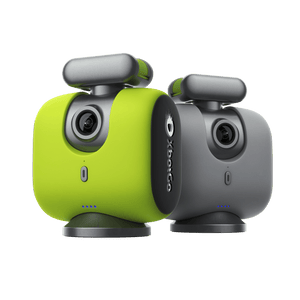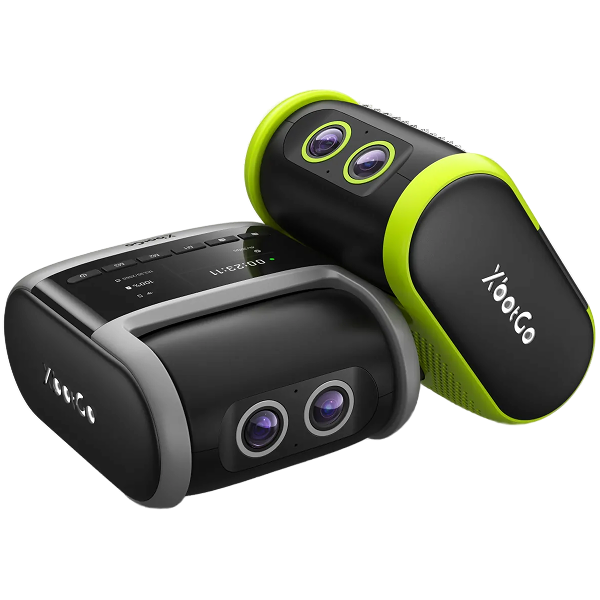
Ready to stream like a pro? In this XbotGo tutorial, discover how to effortlessly set up and live stream with OBS. Whether you're a beginner or a seasoned streamer, this step-by-step guide will show you how to create stunning, high-quality streams that captivate your audience. Don't miss out—your live-streaming transformation starts here!
You can also find the video tutorial at XbotGo official account on YouTube.
Live Streaming with OBS
Open the XbotGo app and link your XbotGo device to the app.
Start recording and tap the Live button. Set a password and click Prepare for Streaming, then press Start Live Streaming.
Choose the OBS option to copy the streaming link.
In OBS, under the Sources tab, click the “+” button and select Media Source. Rename the source and click OK.
Do not slect the Local File and paste the link copied from the XbotGo app into the input field.
Go to the Settings tab in OBS, select Stream, and choose your preferred streaming option.
Captura cada momento con el seguimiento basado en inteligencia artificial. Perfecto para entrenadores, padres y deportistas que desean obtener imágenes perfectas sin necesidad de grabar manualmente.
Política de privacidad | Tus opciones de privacidad | Uso de cookies | Condiciones de uso | Preferencias de cookies | No vender ni compartir mi información personal
Copyright © 2026 XbotGo. Todos los derechos reservados.
Fast & Free Shipping
1-Year Warranty
30-Day Free Returns
Secure Checkout