

Can You Edit XbotGo Video on Computer?
Yes, you can easily edit XbotGo videos on your computer using any professional video editing software. Our system records in standard MP4 format, ensuring complete com...

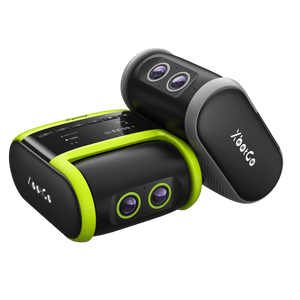
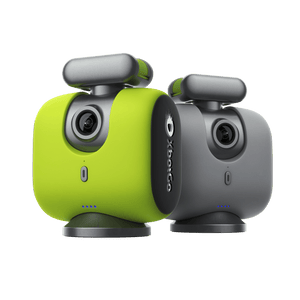
The XbotGo RC1 Remote Control revolutionizes how you capture sports moments. Designed exclusively for XbotGo Chameleon and AI Sports Gimbal, this powerful accessory puts professional filming control at your fingertips.
Our BLE remote control delivers seamless compatibility with all XbotGo devices. Start, pause, or stop recordings instantly while enjoying complete pan and tilt control for perfect shots. The built-in highlight marking feature lets you tag crucial plays in real-time, automatically generating highlight reels in the XbotGo Cloud.
Watch our comprehensive tutorial covering everything from battery installation to advanced filming techniques:
Ready to elevate your sports recording? Get your XbotGo RC1 Remote Control for just $49 and experience the convenience of professional sports filming control.