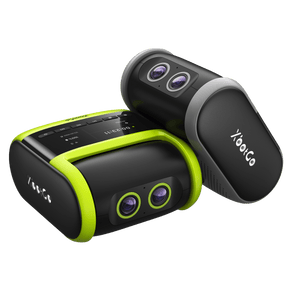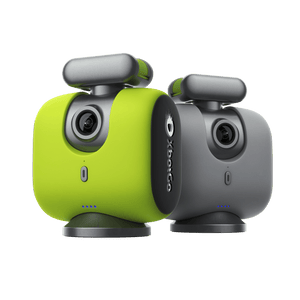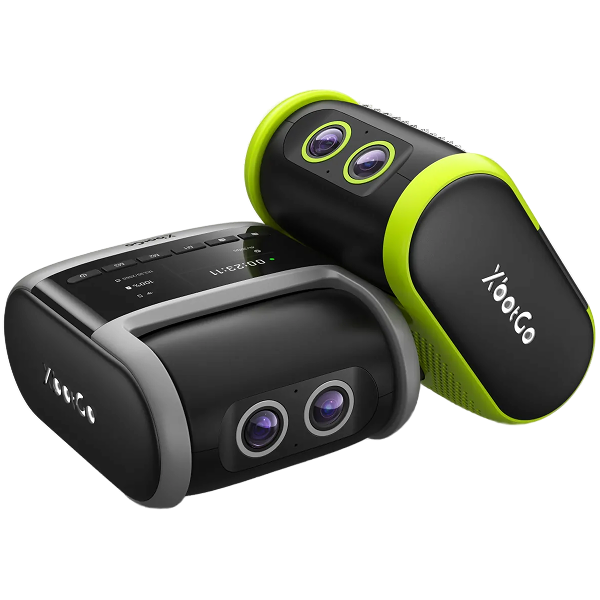
Having trouble connecting your XbotGo Chameleon via Bluetooth? Our systematic approach addresses the most common connectivity issues that sports videographers face.
Fully charge your Chameleon and update both the XbotGo app and firmware to the latest versions for optimal compatibility.
Disconnect other XbotGo devices from your phone's Bluetooth to prevent interference and ensure exclusive pairing.
Grant Bluetooth permissions to the XbotGo app in your phone's system settings – this is essential for proper functionality.
Double-click the power button to reset the Chameleon's Bluetooth connection and clear any pairing conflicts.
Restart your phone and completely close the XbotGo app before reopening it.
Try connecting to a different phone to verify if the issue is device-specific.
For advanced troubleshooting, provide your phone model and OS version to our support team. Upload debug logs via My → Settings → Upload Log for technical analysis.
Politique de confidentialité | Vos choix en matière de confidentialité | Utilisation des cookies | Conditions d'utilisation | Préférences de cookies | Ne pas vendre ni partager mes informations personnelles
Copyright © 2026 XbotGo Tous droits réservés.
Fast & Free Shipping
1-Year Warranty
30-Day Free Returns
Secure Checkout