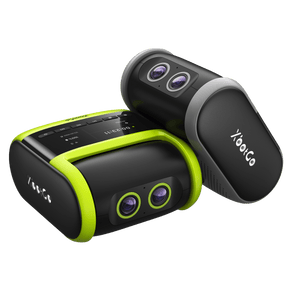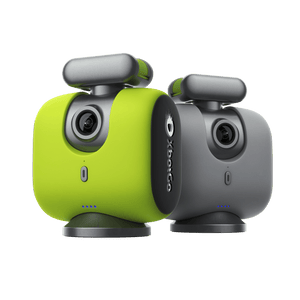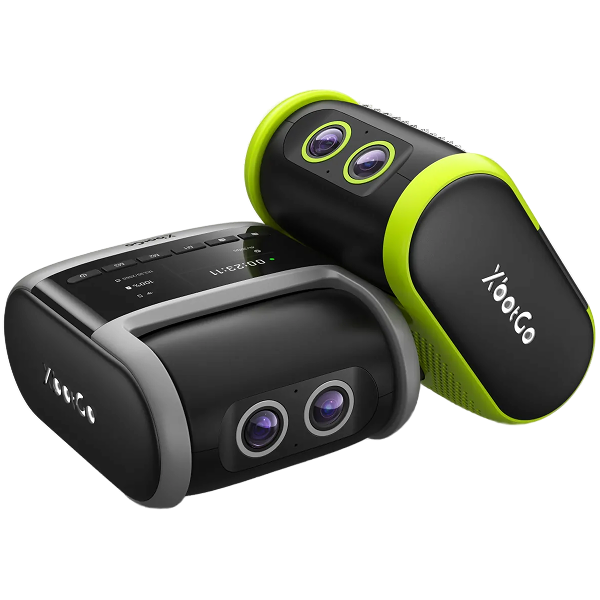
Can't connect your XbotGo Chameleon at all? Don't worry – this comprehensive guide will diagnose and resolve your connection problems based on what you're seeing in the app.
If the Chameleon appears in your XbotGo App device list:
Ensure full battery charge
Tap the Refresh button in device management
Close and reopen the XbotGo App
Reset Bluetooth by double-clicking the power button
Look for the side light indicator – a solid light means it's connected to another phone. Disconnect it first.
If you can't see the Chameleon in your app:
Grant Bluetooth permissions in phone settings
Enable Bluetooth if it's turned off
Confirm the device is powered on (wait for calibration completion)
Turn off power-saving modes
Remove old Bluetooth pairings from your phone's settings to prevent conflicts.
Need additional help? Contact our technical team at Support@XbotGo.com for personalized assistance.
Politique de confidentialité | Vos choix en matière de confidentialité | Utilisation des cookies | Conditions d'utilisation | Préférences de cookies | Ne pas vendre ni partager mes informations personnelles
Copyright © 2026 XbotGo Tous droits réservés.
Fast & Free Shipping
1-Year Warranty
30-Day Free Returns
Secure Checkout