

Can You Edit XbotGo Video on Computer?
Yes, you can easily edit XbotGo videos on your computer using any professional video editing software. Our system records in standard MP4 format, ensuring complete com...

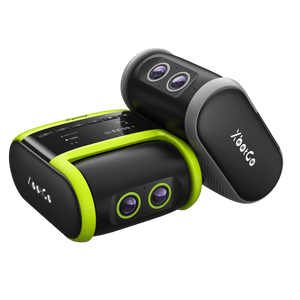
Experiencing frequent Bluetooth disconnections with your XbotGo Chameleon? This common issue can disrupt your sports recording sessions, but our quick fixes will get you back on track.
Charge your Chameleon completely before each use
Update the XbotGo App to the latest version from your app store
Disable Low Power Mode and Do Not Disturb Mode on your phone
Close and reopen the XbotGo App to refresh the connection
Reset Bluetooth by double-clicking the Chameleon's power button
Restart your Chameleon for a fresh start
Clear Bluetooth history by removing/forgetting old device connections
Disconnect other Bluetooth devices to avoid interference
These simple steps resolve most connectivity issues quickly. For persistent problems, our support team at Support@XbotGo.com is ready to help you achieve seamless sports recording.