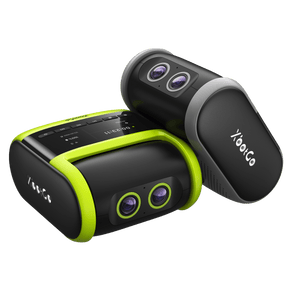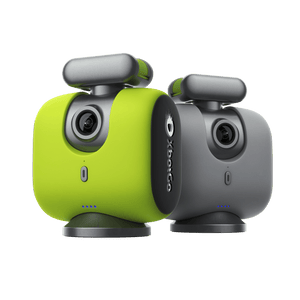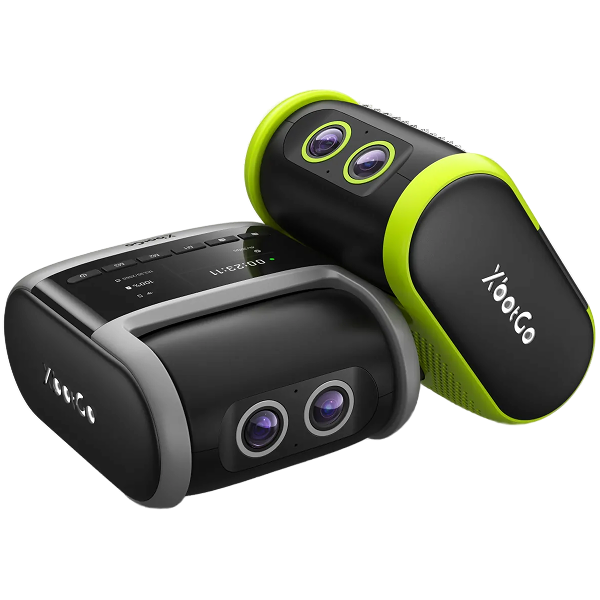
If your XbotGo Chameleon isn't tracking properly, the issue is typically resolved by checking these six areas: battery level, phone placement, camera positioning, Bluetooth connection, firmware updates, and sport mode settings. Most users resolve tracking issues within minutes using our proven troubleshooting steps.
Your Chameleon delivers optimal AI tracking with a full battery charge. Simply charge for 4 hours to ensure uninterrupted, professional-grade performance throughout your entire game or practice session.
Center and balance your smartphone with its rear camera aligned to the Chameleon's camera direction. This precise alignment enables our advanced AI to deliver the smooth, accurate tracking that sets XbotGo apart from manual filming.
Position your Chameleon near the centerline during initialization and ensure a clear view of the action. Our AI technology excels when given an unobstructed perspective of your playing field.
Reset Bluetooth connectivity by double-clicking the power button if needed. Our engineering team has optimized this process for quick resolution, getting you back to capturing those game-changing moments.
Keep your XbotGo app and Chameleon firmware current to access our latest AI enhancements. Verify your Auto Zoom, Auto Tracking, and Pan Angle settings match your selected sport mode for championship-level results.
With jersey number recognition in Basketball mode, 4K recording in team-sports modes, and support for 10+ sports, your Chameleon transforms your smartphone into a professional sports recording system. Plus, enjoy 20GB of free cloud storage with no monthly fees—because great sports moments deserve great technology.
Need additional support? Our dedicated team is ready to help at support@xbotgo.com.
Informativa sulla privacy | Le tue scelte sulla privacy | Utilizzo dei cookie | Termini di utilizzo | Preferenze sui cookie | Non vendere o condividere le mie informazioni personali
Copyright © 2026 XbotGo. Tutti i diritti riservati.