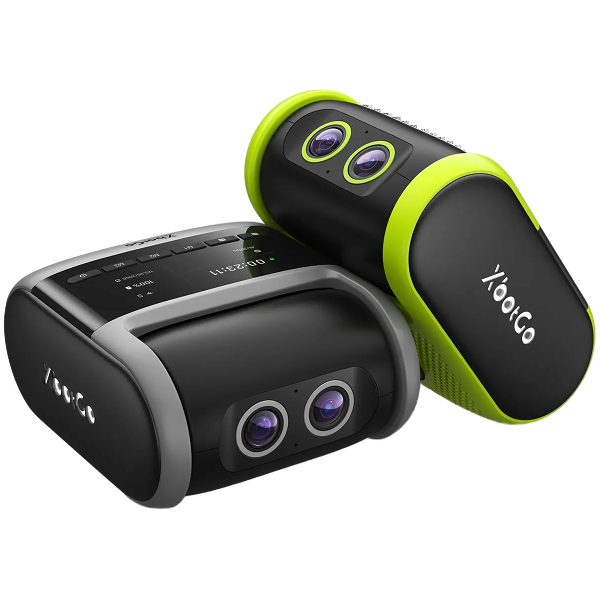


Can You Edit XbotGo Video on Computer?
Yes, you can easily edit XbotGo videos on your computer using any professional video editing software. Our system records in standard MP4 format, ensuring complete com...

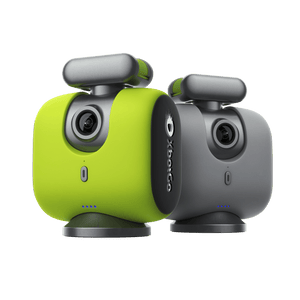
Managing your sports videos has never been easier with our XbotGo app's comprehensive file management system. Whether you're organizing game footage from your AI Chameleon camera or accessing highlights remotely, our intuitive interface puts you in complete control.
Our app's local files section displays all your Chameleon-recorded videos in one convenient location. Simply tap the checkbox icon to select multiple videos, then choose from four powerful actions: download videos directly to your phone's gallery, upload to your free 20GB cloud storage, share instantly to your favorite platforms, or delete unwanted footage to free up space.
Once videos are uploaded to our secure cloud storage, you gain incredible flexibility. Download them back to local storage anytime, create shareable links for coaches and teammates, or remove videos you no longer need. You can also seamlessly add videos from your phone's gallery to integrate with your XbotGo footage.
Transform your sports filming experience with our AI-powered Chameleon system and never worry about storage limits again—get professional results with zero monthly fees.