

Can You Edit XbotGo Video on Computer?
Yes, you can easily edit XbotGo videos on your computer using any professional video editing software. Our system records in standard MP4 format, ensuring complete com...

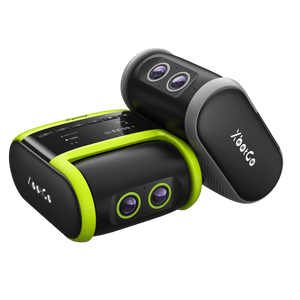
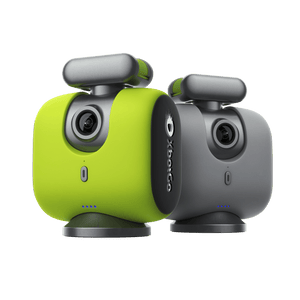
Is your XbotGo Chameleon losing track of the action? Proper tracking is crucial for professional sports recording. Our comprehensive solution guide addresses the most common tracking issues.
Ensure sufficient battery charge and center your phone properly on the mount for balanced operation.
Place your Chameleon near the centerline during sports mode initialization. Remove obstacles from the camera's field of view.
Verify stable Bluetooth connection between your phone and Chameleon. Reset Bluetooth if experiencing intermittent connectivity.
Update both the XbotGo app and firmware to the latest versions for improved tracking algorithms.
Select the correct sport mode and verify these settings:
Auto Zoom enabled
Auto Tracking activated
XbotGo Pan Angle properly adjusted
Ensure adequate lighting and avoid tracking in conditions with excessive motion blur or similar-colored objects.
Still experiencing issues? Contact our technical experts at Support@XbotGo.com with specific details about your tracking problems.