

Can You Edit XbotGo Video on Computer?
Yes, you can easily edit XbotGo videos on your computer using any professional video editing software. Our system records in standard MP4 format, ensuring complete com...

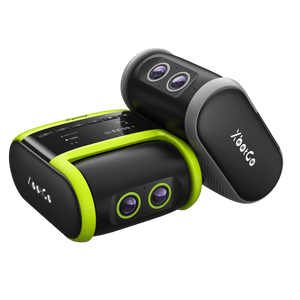
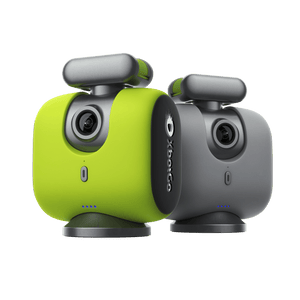
Achieve professional-grade sports filming with our XbotGo Chameleon's advanced zone mapping feature. This precision calibration system ensures our AI tracking algorithm delivers accurate, smooth coverage across any field size or sport configuration.
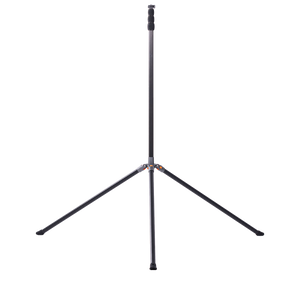
Begin by raising your Chameleon to the optimal height and adjusting the tilt angle for your specific field dimensions. Our zone mapping feature operates exclusively through the monitor interface, giving you complete control over the calibration process from the sideline.
Supported Sports for Zone Mapping
Important Note: Currently, our advanced zone mapping feature is optimized for Soccer, Basketball, and Ice Hockey only. These three sports have been specifically calibrated to work seamlessly with our AI tracking algorithm for the most accurate field coverage and player recognition.
For other sports modes available on XbotGo Chameleon, our standard AI tracking will continue to provide excellent coverage without the zone mapping calibration. We're actively working to expand zone mapping support to additional sports - stay tuned for exciting updates!
Follow the intuitive on-screen instructions to rotate the Chameleon using your monitor device, systematically marking each field boundary point in sequence. Our advanced interface allows real-time error correction—simply tap edit to drag and reposition any incorrectly placed markers until your field mapping is perfect.
Once zone mapping calibration is complete, your Chameleon transforms into an expert AI sports cameraman with intimate knowledge of your playing area. This precision setup enables seamless player tracking, intelligent zooming, and professional panning that rivals broadcast-quality coverage.
Experience the difference proper calibration makes with XbotGo Chameleon's zone mapping technology—where precision meets performance.