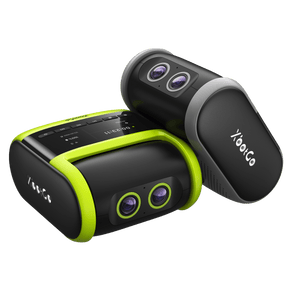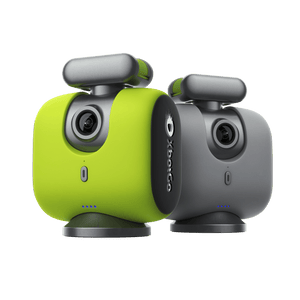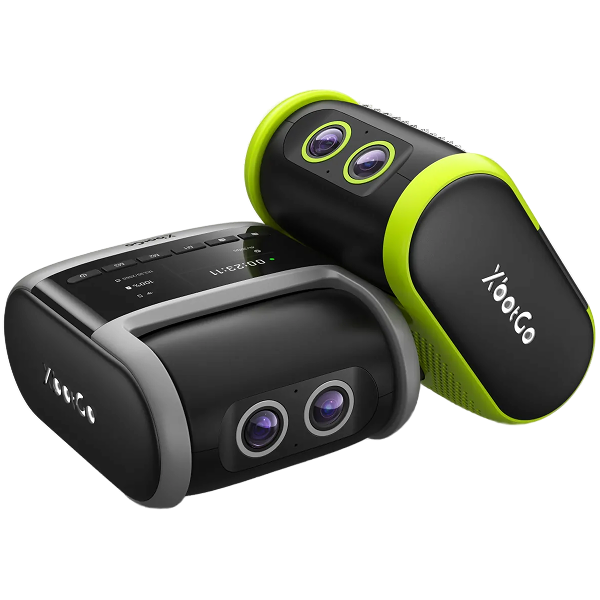
Experiencing frequent Bluetooth disconnections with your XbotGo Chameleon? This common issue can disrupt your sports recording sessions, but our quick fixes will get you back on track.
Charge your Chameleon completely before each use
Update the XbotGo App to the latest version from your app store
Disable Low Power Mode and Do Not Disturb Mode on your phone
Close and reopen the XbotGo App to refresh the connection
Reset Bluetooth by double-clicking the Chameleon's power button
Restart your Chameleon for a fresh start
Clear Bluetooth history by removing/forgetting old device connections
Disconnect other Bluetooth devices to avoid interference
These simple steps resolve most connectivity issues quickly. For persistent problems, our support team at Support@XbotGo.com is ready to help you achieve seamless sports recording.
Política de Privacidade | Suas Opções de Privacidade | Uso de Cookies | Termos de Uso | Preferências de Cookies | Não Vender ou Compartilhar Minhas Informações Pessoais
Copyright © 2026 XbotGo. Todos os direitos reservados.
Fast & Free Shipping
1-Year Warranty
30-Day Free Returns
Secure Checkout