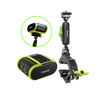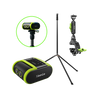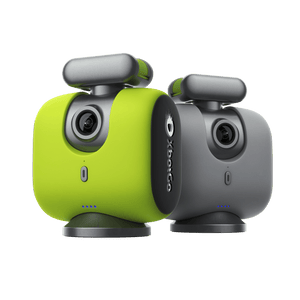


- Accessories
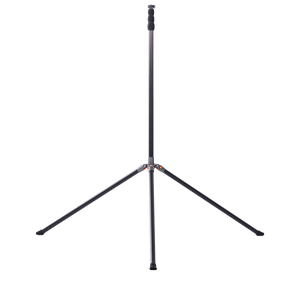
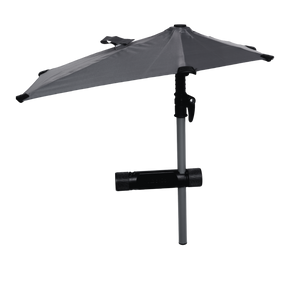
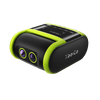
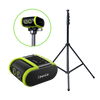
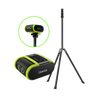
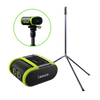
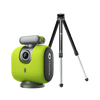
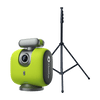
XbotGo Tripods: NT1 vs NT4 vs NT4 Pro (2026)
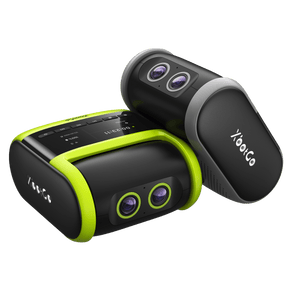
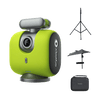
Selecting the right tripod for your XbotGo Chameleon or Falcon significantly impacts your recording quality and coverage area. XbotGo now sells three official stands —...
Yes, you can easily edit XbotGo videos on your computer using any professional video editing software. Our system records in standard MP4 format, ensuring complete compatibility with Adobe Premiere Pro, Final Cut Pro, DaVinci Resolve, and other popular editing applications.
XbotGo's workflow is designed for maximum flexibility. After capturing stunning 4K footage with our AI-powered tracking, you have multiple options to transfer videos to your computer:
Cloud Download: Access your 20GB of free AWS cloud storage through the XbotGo app, generate a download link, and transfer files directly to your computer
Direct Transfer: Connect your phone via USB cable for immediate file access
Cloud Services: Sync through Google Drive, iCloud, or Dropbox for convenient multi-device access
Once transferred, your XbotGo footage maintains its full 4K quality, providing professional-grade source material for any editing project. Whether you're creating recruitment highlights, tactical analysis videos, or social media content, our universal MP4 format integrates seamlessly into your existing workflow.
Start capturing today and experience the freedom of editing anywhere, anytime, on any platform.