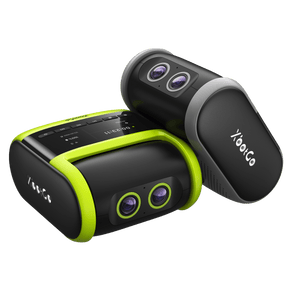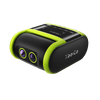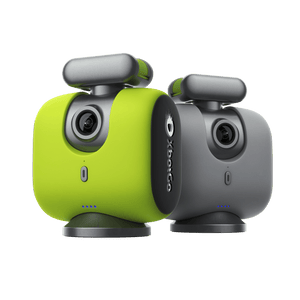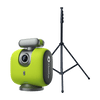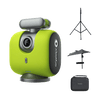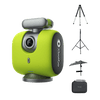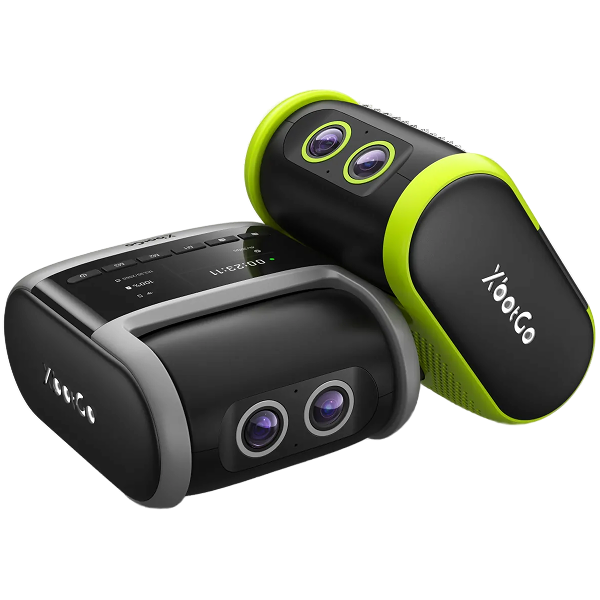
Over 150,000 coaches, parents, and athletes choose XbotGo Chameleon for perfect soccer, basketball, and 20+ sports capture. One-minute setup, then AI takes over: auto-tracking player, smart zooming, instant highlights, and 20GB free cloud storage - no subscriptions, ever.
How to Fix XbotGo Chameleon Bluetooth Disconnection Issues
Quick Solutions for Stable Connectivity
Experiencing frequent Bluetooth disconnections with your XbotGo Chameleon? This common issue can disrupt your sports recording sessions, but our quick fixes will get you back on track.
Essential Troubleshooting Steps
Battery and App Optimization
Charge your Chameleon completely before each use
Update the XbotGo App to the latest version from your app store
Disable Low Power Mode and Do Not Disturb Mode on your phone
Connection Reset Solutions
Close and reopen the XbotGo App to refresh the connection
Reset Bluetooth by double-clicking the Chameleon's power button
Restart your Chameleon for a fresh start
Phone Settings Adjustment
Clear Bluetooth history by removing/forgetting old device connections
Disconnect other Bluetooth devices to avoid interference
These simple steps resolve most connectivity issues quickly. For persistent problems, our support team at Support@XbotGo.com is ready to help you achieve seamless sports recording.