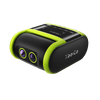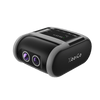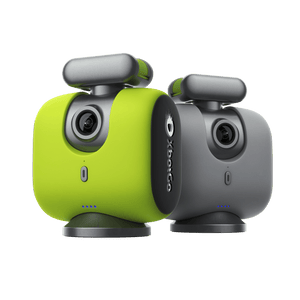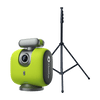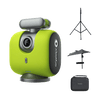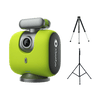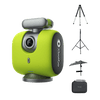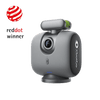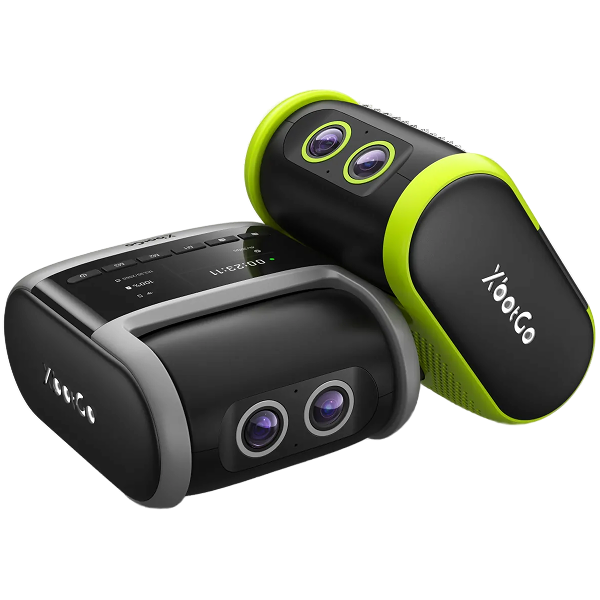


XbotGo Falcon

How to Use the XbotGo Chameleon?
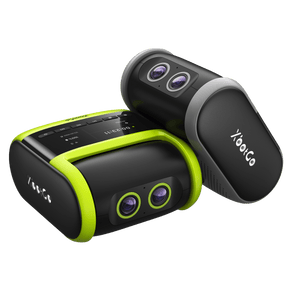
The XbotGo Chameleon is designed for users wanting to capture high-quality sports footage effortlessly. This guide will help you set it up correctly and troubleshoot any issues you may encounter.
1. Turn on the XbotGo Chameleon
-
Press the power button until the device completes its self-check.
-
Ensure the Chameleon is fully charged before using it.

2. Prepare Your Phone
-
Remove any phone case to help with heat dissipation.
-
Use a compatible device:
-
iPhone 11 or newer
-
Android phone with Qualcomm Snapdragon 888 or newer

3. Required Equipment
-
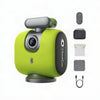
XbotGo Chameleon
-
Smartphone: Ensure compatibility with the specifications mentioned above.
-
XbotGo App: Download from the App Store or Google Play.
-
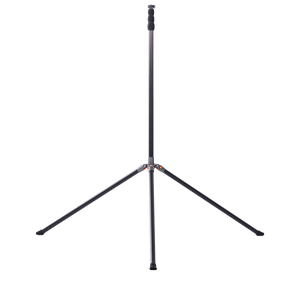
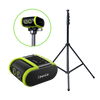
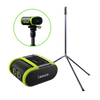
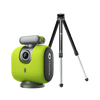
Tripod: Make sure it has a 1/4" screw head for mounting.
4. Mount the Device
-
Install the Chameleon on a tripod near the center line of the field.
-
Center and balance your smartphone in the clamp, ensuring that the camera aligns with the Chameleon's camera.

5. Connect via the XbotGo App
-
Open the XbotGo app on your smartphone.
-
Enable Bluetooth and allow the app to access Bluetooth.
-
Tap “Add Device” and select Chameleon from the list of devices.

6. Start Recording
-
Begin capturing the game. The XbotGo will automatically track players and can be set for live streaming.

Troubleshooting Common Issues
Connection Problems
-
Solution:
-
Reset the Chameleon's Bluetooth by double-clicking the power button.
-
Restart both the Chameleon and your smartphone.
Poor Performance
-
Solution:
-
Ensure both the app and the firmware are updated to the latest version.
-
Check that your phone’s camera is properly aligned with the Chameleon.
-
Confirm that your phone's battery is adequately charged.
By following these steps, you can successfully set up and use your XbotGo Chameleon to capture high-quality sports footage. Troubleshoot any issues as needed to enhance your experience. Enjoy filming your sports moments!