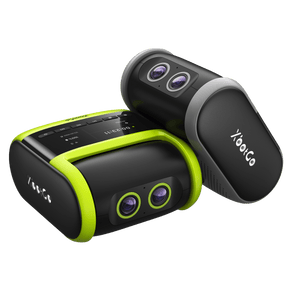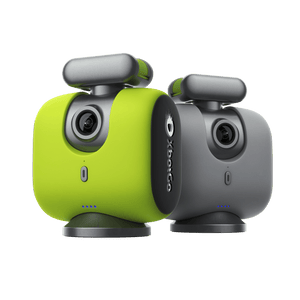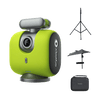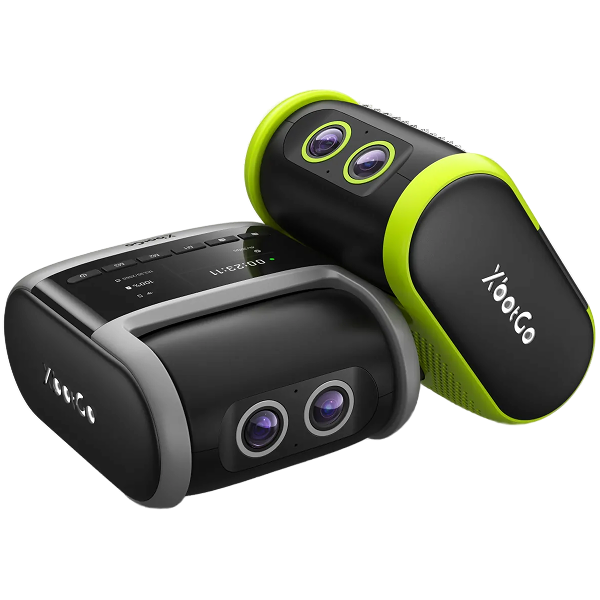
Over 150,000 coaches, parents, and athletes choose XbotGo Chameleon for perfect soccer, basketball, and 20+ sports capture. One-minute setup, then AI takes over: auto-tracking player, smart zooming, instant highlights, and 20GB free cloud storage - no subscriptions, ever.
XbotGo Video Settings: Optimize File Size & Management
XbotGo's video duration setting provides intelligent file management without interrupting your recording sessions. Understanding this feature helps optimize storage and editing workflows.
How Video Duration Works
Automatic Segmentation Process:
Video duration setting controls the length of each saved video clip within the XbotGo app. It does not interrupt the recording process – your camera continues capturing action seamlessly.
Practical Example:
Set duration: 30 minutes
Game length: 45 minutes
Result: Two video files
First clip: 30 minutes
Second clip: 15 minutes (remainder)
Benefits of Duration Control
File Management Advantages:
Smaller, manageable file sizes for easier editing
Reduced processing time for individual clips
Better device storage optimization
Simplified sharing of specific game segments
Storage Efficiency:
Prevents oversized files that may cause app crashes
Enables selective cloud uploads of important segments
Facilitates easier highlight creation from shorter clips
Improves app performance during playback
Recommended Duration Settings
Sport-Specific Guidelines:
Basketball games: 15-20 minutes per segment
Soccer matches: 45 minutes for each half
Training sessions: 10-15 minutes for drill segments
Tournaments: 30 minutes for optimal balance
Technical Considerations:
Choose duration based on your device's storage capacity, processing power, and intended use of the footage.