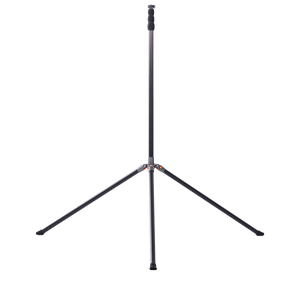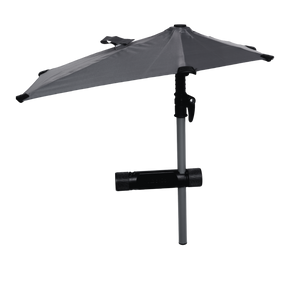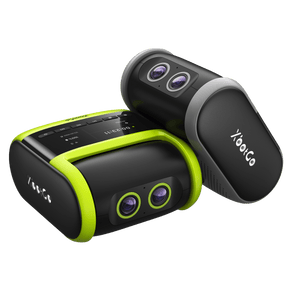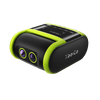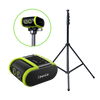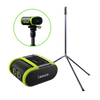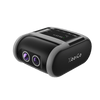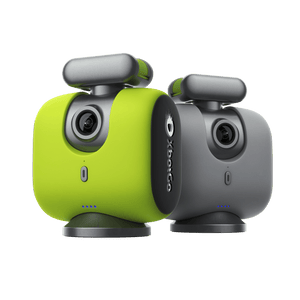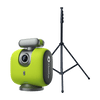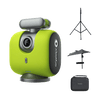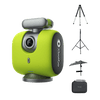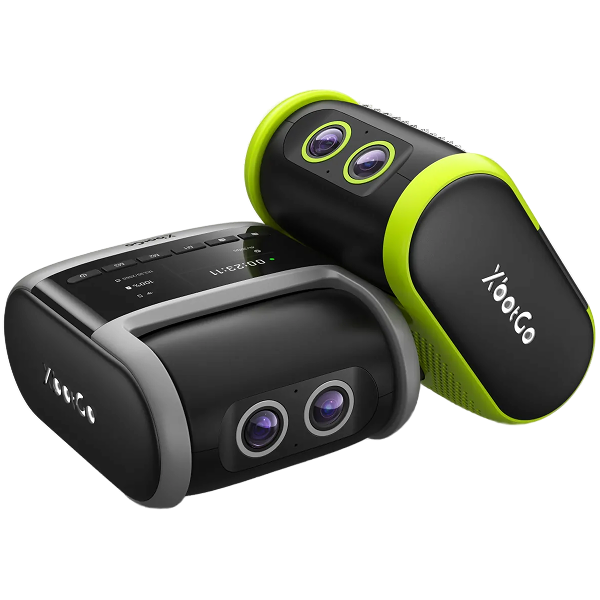
Over 150,000 coaches, parents, and athletes choose XbotGo Chameleon for perfect soccer, basketball, and 20+ sports capture. One-minute setup, then AI takes over: auto-tracking player, smart zooming, instant highlights, and 20GB free cloud storage - no subscriptions, ever.
Is your XbotGo Chameleon losing track of the action? Proper tracking is crucial for professional sports recording. Our comprehensive solution guide addresses the most common tracking issues.
Essential Tracking Solutions
1. Power and Placement
Ensure sufficient battery charge and center your phone properly on the mount for balanced operation.
2. Optimal Positioning
Place your Chameleon near the centerline during sports mode initialization. Remove obstacles from the camera's field of view.
3. Connection Stability
Verify stable Bluetooth connection between your phone and Chameleon. Reset Bluetooth if experiencing intermittent connectivity.
4. Software Updates
Update both the XbotGo app and firmware to the latest versions for improved tracking algorithms.
5. Mode Configuration
Select the correct sport mode and verify these settings:
Auto Zoom enabled
Auto Tracking activated
XbotGo Pan Angle properly adjusted
6. Environmental Considerations
Ensure adequate lighting and avoid tracking in conditions with excessive motion blur or similar-colored objects.
Still experiencing issues? Contact our technical experts at Support@XbotGo.com with specific details about your tracking problems.