

Can You Edit XbotGo Video on Computer?
Yes, you can easily edit XbotGo videos on your computer using any professional video editing software. Our system records in standard MP4 format, ensuring complete com...

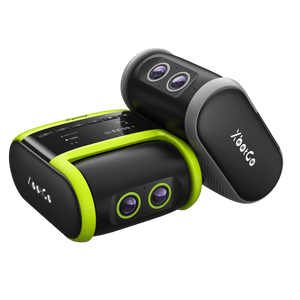
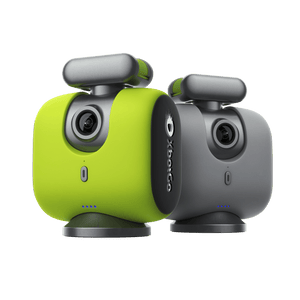
Optimize your XbotGo Chameleon's recording performance by mastering the essential settings. Our comprehensive recording configuration options ensure you capture every sports moment with professional quality and precision.
Customize recording resolution up to stunning 4K quality to match your storage capacity and output requirements. Higher resolutions provide superior detail but require more phone storage space.
Fine-tune these critical settings:
Auto Zoom: Automatically adjusts framing for optimal player visibility
Auto Tracking: AI-powered player and ball following
Recording Angle: Controls Chameleon's rotation range (not camera field of view)
Tracking Speed: Adjusts response time for different sport intensities
Power Saving Mode: Extends battery life during long recording sessions
Video Duration: Defines automatic save intervals without stopping recording
For detailed setup instructions, watch our step-by-step guide:
Adjust pan angle and pan speed to perfectly match your field size and activity level. These settings ensure smooth, professional-looking footage tailored to your specific sport and venue requirements.