

Can You Edit XbotGo Video on Computer?
Yes, you can easily edit XbotGo videos on your computer using any professional video editing software. Our system records in standard MP4 format, ensuring complete com...

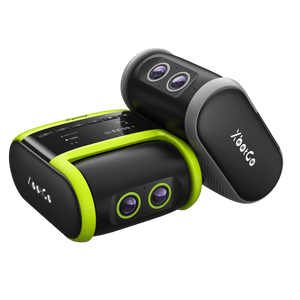
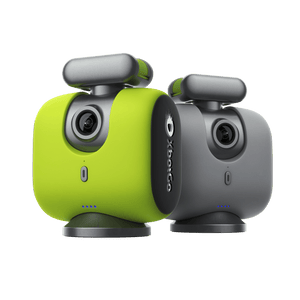
Our firmware updates continuously enhance your XbotGo Chameleon's AI tracking capabilities, ensuring you capture every game-changing moment with improved precision and reliability. Regular updates introduce new sports modes, refine existing features, and optimize performance across our growing library of 20+ supported sports.
Keeping your device current is effortless:
Open your XbotGo App and sign in
Connect your Chameleon via Bluetooth
Access "My" > "Settings" > "Firmware Upgrade"
Review available updates
Tap "Firmware Upgrade" to begin installation
Pro Tip: Maintain stable connectivity during updates for optimal installation success.
Recent Improvements Include:
Expanded Sports Coverage: New tracking modes for diverse sports like Badminton and enhanced 5v5 Football
Advanced AI Recognition: Improved gesture control and player identification accuracy
Seamless Cloud Integration: Faster uploads and enhanced storage management
Superior Tracking Stability: Refined algorithms for consistent performance in all conditions
Our Smart Crowd Filter technology and live stream enhancements demonstrate our commitment to professional-grade functionality.
At XbotGo, we're dedicated to continuous innovation. Each firmware update strengthens your Chameleon's position as the premier AI sports camera solution, trusted by 150,000+ coaches and parents worldwide. Our commitment to regular enhancements ensures your investment delivers professional results that evolve with your needs.