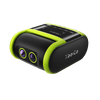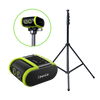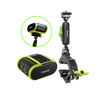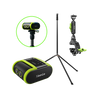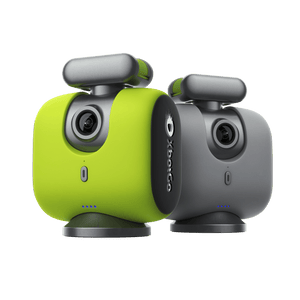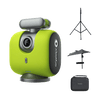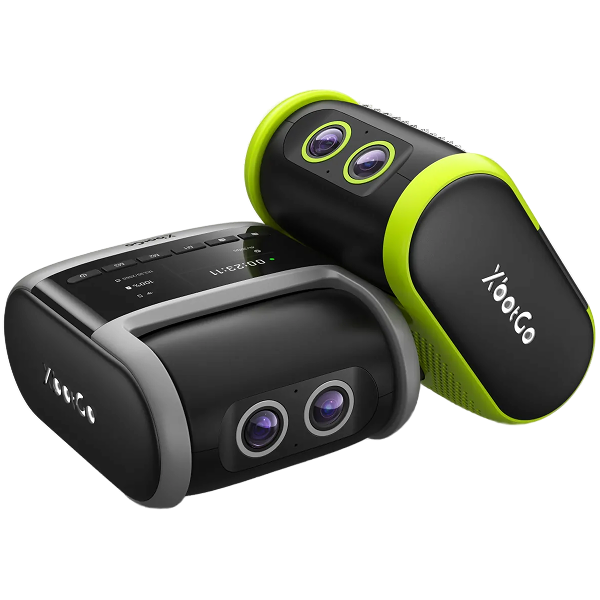


XbotGo Chameleon Review: Specs, Phone Support & Verdict
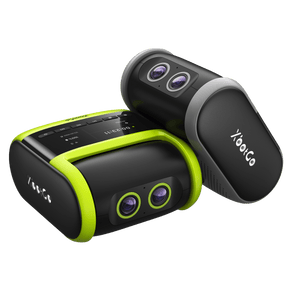
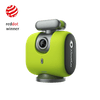
Tired of missing the action, or of being the parent who watches the whole game through a phone screen? The XbotGo Chameleon turns the smartphone you already own into a...
We're excited to announce the latest updates to the XbotGo system. After months of development and testing, the new versions are now officially available:
This update includes three major feature improvements designed to enhance user experience and tracking accuracy.
We've refined the OK gesture control for starting and stopping tracking.
How it works:

Volleyball Mode (Beta)
We've developed a dedicated tracking mode specifically for volleyball. This mode is currently in beta, and we'll continue to refine it based on user feedback.

Lacrosse Mode Improvements
Based on user data and feedback, we've optimized our lacrosse mode algorithm:
This highly practical new feature allows users to manually define the active tracking area, helping the AI focus on in-field action.

Key Features:
Note: Currently, our advanced zone mapping feature is optimized for Soccer, Basketball, and Ice Hockey only. These three sports have been specifically calibrated to work seamlessly with our AI tracking algorithm for the most accurate field coverage and player recognition.
For other sports modes available on XbotGo Chameleon, our standard AI tracking will continue to provide excellent coverage without the zone mapping calibration. We're actively working to expand zone mapping support to additional sports - stay tuned for exciting updates!
How to use:Select "Zone Mapping" in the recording interface and mark boundary points on the touchscreen. The system will automatically connect these points to form your tracking zone.
Thank you for your continued support and for choosing XbotGo.
The XbotGo Team